
Sonos Update May 11, 2021
Sonos released an app update on May 11th. Here's what's new in version 13.1!
Sonos added a setting for Arc that allows you to adjust the level of the Height audio channels. Dolby Atmos provides two height audio channels that provide sound above the listening area to expand the sound stage beyond the horizontal plane. When listening to Dolby Atmos audio through Sonos Arc, you can adjust the level of the height audio channels by following the steps below.
Open the Sonos S2 app for iOS or Android.
From the Settings tab, press System.
Select the room where Arc is located.
Under Sound press Height Audio.
Use the slider to increase or decrease the volume of the height audio channels.
Amp, Arc, and Beam now support WPA3 security and can connect to 2.4GHz 802.1 1n Wi-Fi networks.
Port now supports Dual Mono audio output. Sonos Amp and Port may optionally output mono instead of stereo. Dual Mono is ideal when speaker placement is not suitable for stereo listening (e.g. open spaces or outdoor configurations). When in this mode, a mono signal is sent to all speakers regardless of connection to an L or R terminal.
On iOS or Android:
Open the Sonos app.
From the Settings tab, press System.
Select the room where Amp or Port is located.
Press Stereo/Mono.
Press Dual Mono.
If you need assistance updating your Sonos settings for optimal sound, give us a call, we are always happy to help!
469-393-4757
Info@71Concepts.com
Your Home. Simple, Convenient, and Secure
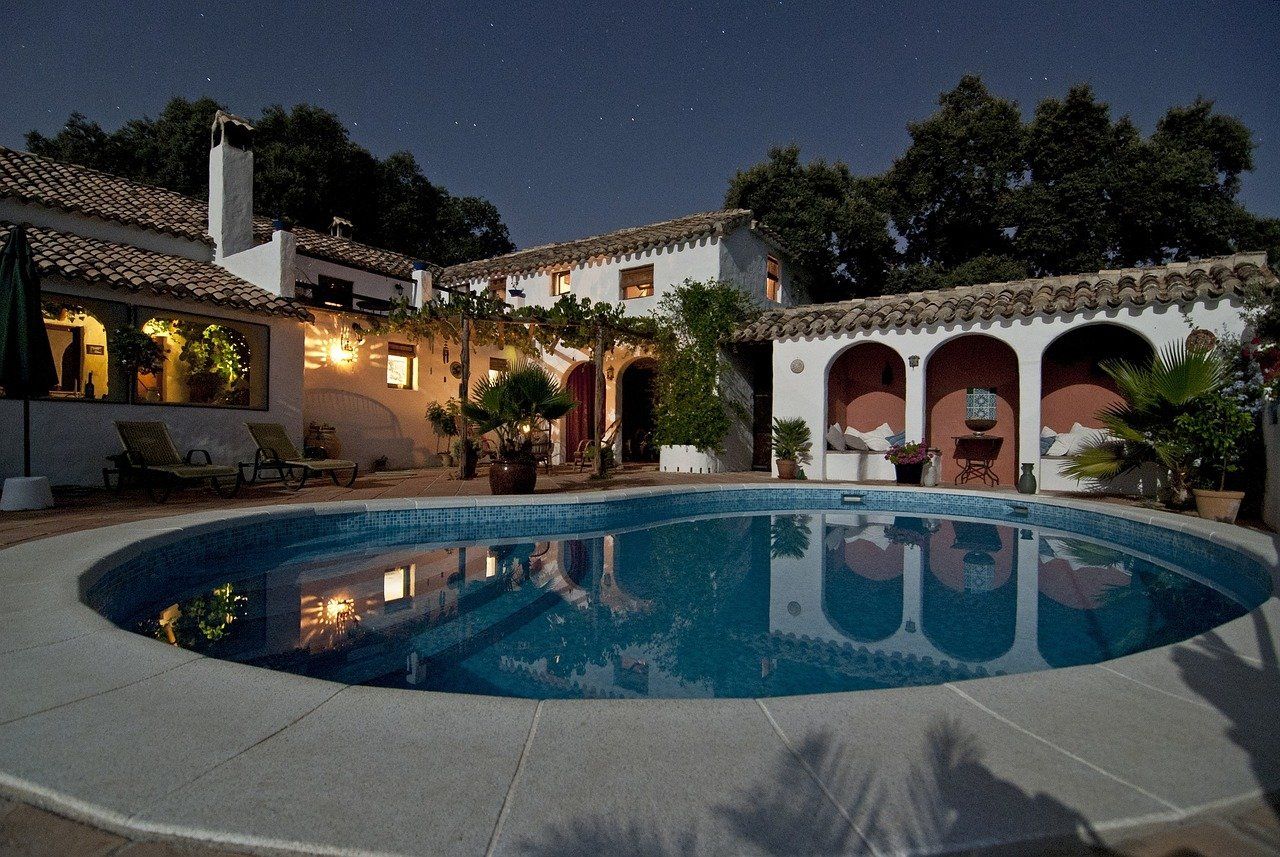
The weather is warming up in Texas! After a year of Covid, family events being cancelled and a winter storm that made DFW feel like Alaska, we are ready to get outside. A great sound system can enhance your outdoor gatherings. Whether you stream your favorite relaxing playlist while soaking in your hot tub, or blast some 80's rock while grilling and playing water volleyball, 71 Concepts can design the perfect system to meet your needs. Here are 5 tips to help you decide what kind of outdoor system would be best for you. How and where do you want to use your system? Creating the perfect outdoor sound takes planning. We start the process by defining what you want to experience. Do you want background music while enjoying your outdoor space, or do you want to cover your entire backyard? These are important questions that will help our team plan the correct placeemnt for speakers and design the proper wiring infrastructure. How many speakers do you need and where should they go? Installing speakers is an art, and we are artists. It is not as simple as mounting a speaker to a surface and pressing play. Our team places speakers in the right areas to get the best sound. The angle at which the speakers are pointed, surrounding structures and walls, and the size of the area are all important details when creating a smooth, even sound. Which speakers are right for you? With so many products available today, it can be overwhelming to select the best speakers for your project. That's where we come in. We partner with a variety of vendors who carry amazing products. Do you want speakers that look like rocks and blend in with your backyard design? Do you want in-wall speakers wired above your outdoor kitchen? Do you need both? When we design your project, we suggest the products that will create the experience you are looking for. What is your source? Now that we have wiring and speakers covered, where is the sound coming from? Do you want a system that islinked to your indoor equipment, all accessed through an app on your phone? Or do you want a separate sytem for your outdoor space? How you listen to music is also important and will help us dtermine which products and delivery methods will work best for you. Access and Control How do you want to access and control your system? Today's technology gives you the ability to access many of your home's features through an app on your phone. Maybe you don't want an app, you prefer a waterproof remote than everyone can use, or perhaps, you want both. Answering these questions will help us select the best platform for you. We are an authorized dealer for Sonos, Control4, Universal Remote Control, and many others. Our team can share the features and benefits of each platform so you can make an informed decision. 71 Concepts can guide you through the process of creating the perfect sound for your outdoor space. Call us at 469-393-4757 or email us at info@71concepts.com to schedule a consultation.
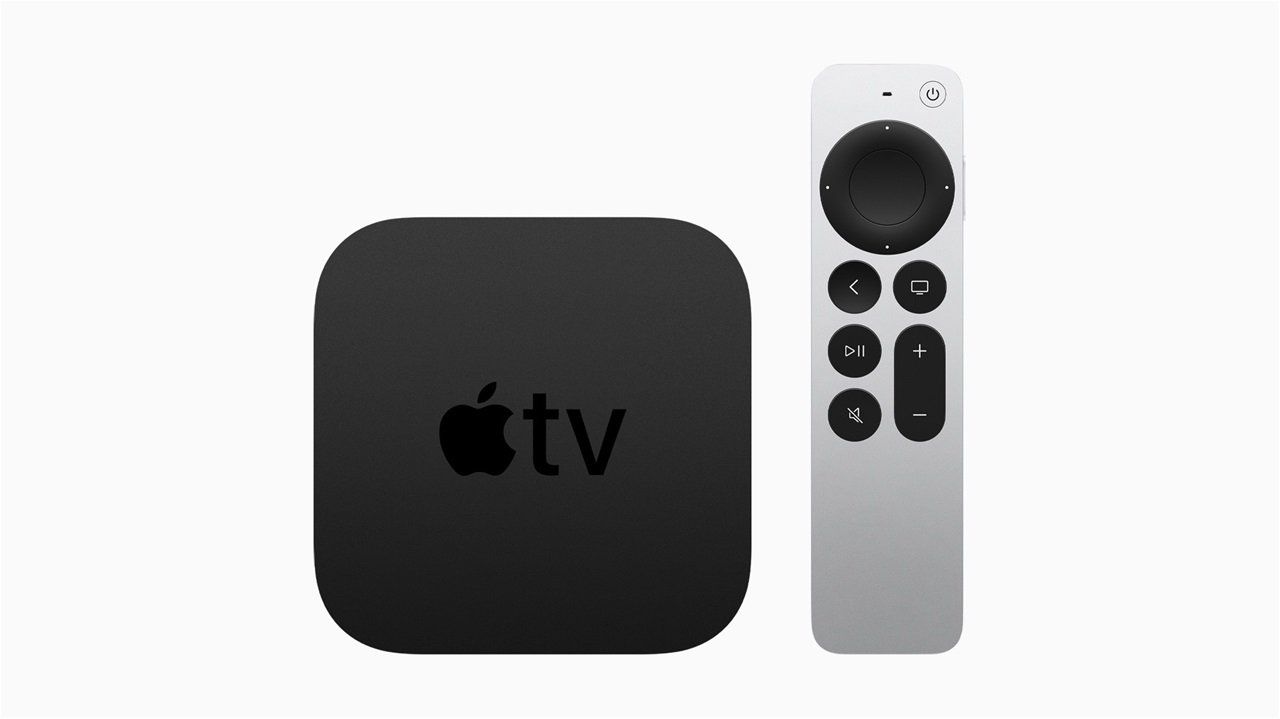
Apple announced it's new second-generation Apple TV 4K. What's new and when can you get your hands on one? Apple annoucned in April 2021 a new version of the Apple TV 4K, with an all-new Siri Remote a faster processor, and a few other notable internal improvements. The look of the second-generation Apple TV 4K continues the sleek design of previous generation versions. A simple black box design that plugs into a television set over HDMI. The Apple TV 4K offers 4K resolution with support for high frame rate HDR content, including HDR10 and Dolby version. For full performance, it needs to be paired with a 4K TV and 4K content is also required. What is 4K resolution and why is it so great? The pictures have more details and sharpness. 4K has at least 8 million active pixels. The 3840x2160 pixel counts equate to four times the resolution of the full HD pictures most of us are used to. The images appear deeper, brighter, and create a more cinematic immersive experience. 4K fits with the growing trend of bigger tv's. 4K is the future, more movies and tv shows are being filmed in the new format. Netflix offerS streaming in 4K. Apple says it is working with FOX Sports, NBCUniversal, Paramount+, Red Bull TV, Canal+, and more to stream content in high frame rate HDR. AirPlay now supports high frame rates so Dolby Vision video shot on iPhone 12 can be displayed in full resolution on the new Apple TV 4K. There's a faster A12 Bionic chip inside the new Apple TV 4K that will offer a GPU boost, faster video decoding, better audio processing, and improved gameplay. The remote. The actual Apple TV 4K design has not changed, the remote has. If you have an older generation Apple TV, chances are, you have experienced frustration with the remote design. It is very sensitive. The all-new remote design is a one-piece aluminum body. There's a clickpad control wheel with five-way navigation, with the clickpad also supporting touch gestures. The clickpad's outer ring supports a circular gesture that lets you jog through TV and movie content. And finally.... a power button! The new remote has a dedicated power button that controls a TV's power. It also includes volume buttons, a mute button, an option for pausing and fast forwarding and a menu button. There is also a side button for activating Siri. Apple added a new color balance process that uses the iPhone's front-facing camera to fine tune the colors on the Apple TV by comparing the color to industry-standard specifications. This works with the new Apple TV 4K as well as older models. The Apple TV comes in two models, 32GB for $179 and the 64GB for $199. Apple announced it will be available for purchase in late May 2021. Apple has discontinued the prior-generation 4K Apple TV that was released in 2017, but the Apple TV HD continues to be available for purchase. Contact us today to get on our waiting list. Info@71Concepts.com

A common frustration we hear regularly from corporate clients is board room presentation issues. IT is called down to setup for a meeting. Wires are all over the place, and the setup is typically arranged for one or two team members. When another team member wants to access the main screen, you guessed it, they have to call IT. The fast paced business world demands speed and efficiency. The ClickShare CSE-200 by Barco is the solution. This wireless presentation system allows up to two users to simply share what's on their laptop or mobile device, on the presentation screen. No cables, no set-up, no waiting to join. It is compatible with any device. Laptops can connect via USB of Collaboration App, while smart phones and tablets can connect via mobile apps. The CSE-200 offers the ClickShare experience for small and medium sized meeting rooms. Barco also offers the CSE-200+ for larger board rooms. Anyone, including guests, can connect with one click and share right away, without waiting for IT to come setup the connection. Users simply plug a USB- powered device - the ClickShare button - into their PC or Mac and click the button to get the content from their laptop on the large screen. Includes connectivity options including AirPlay and Google Cast support for non-HDCP content Touch back function and central management. Your meetings should focus on your agenda and the collaboration of your team, not technology issues. Contact us today for more information: 469-393-4757 or Info@71concepts.com
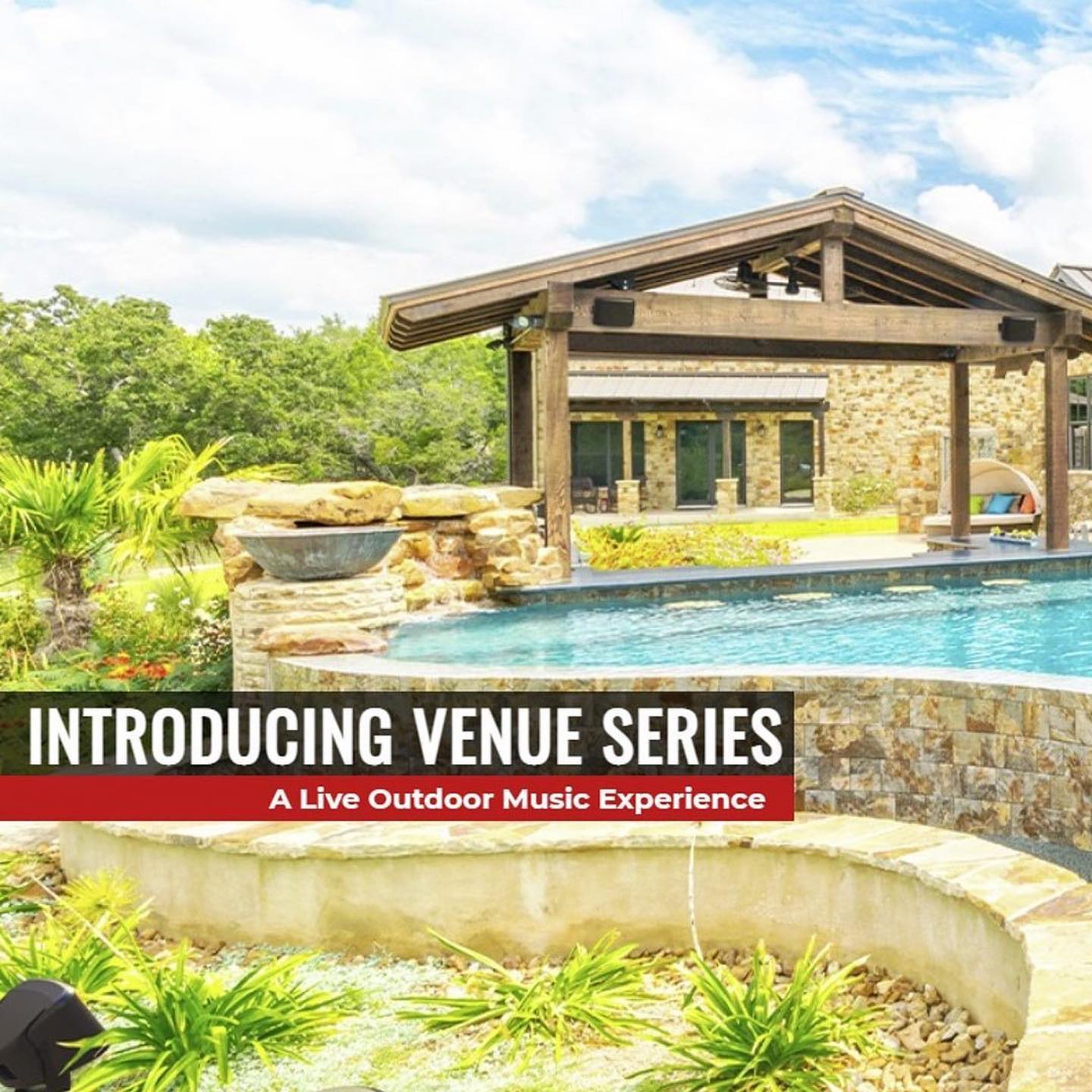
Outdoor speaker technology has evolved. The sound quality available today is incredible. One company leading the way in outdoor speaker technology is Wet Sounds. One of our vendors, Wave Electronics, recently featured the Wet Sounds Venue Series at their Dallas location. We were impressed. From Wet Sounds: "Wet Sounds professional audio products represent the ultimate in high performance audio. Wet Sounds speakers are specifically engineered to withstand the rigorous outdoor environment." "The Wet Sounds VENUE series were designed to provide amazing output combined with a cutting edge style. Utilizing state of the art acoustic engineering and three dimensional computer aided design, Venue Series represent the most advanced outdoor speakers in the world." Are you ready for an outdoor live music experience? Contact us today at 469-393-4757 or Info@71concepts.com
At 71 Concepts we want our clients to know that we are constantly researching products and learning about new technologies so we can bring those solutions straight to you. Recently, we had the opportunity to speak with Mark Shaughnessy, VP of sales with Pulse-Eight America. Pulse-Eight are multi-award winning industry leading developers of Video/Audio control and distribution systems, they have been around since 2010 and do their own manufacturing. Pulse-Eight creates the products that drive your system. Quality is important, and Pulse-Eight has high standards. We asked Mark to explain why Pulse-Eight is different and how their innovative approach to the A/V industry impacts the client’s experience. Mark explained that Pulse-Eight is different because they do their own manufacturing. Their products are manufactured in the UK, where CEO Martin Ellis is focused on quality and innovation. Martin has designed products that deliver optimum performance and has changed industry standards. Pulse-Eight tests each product 3 times before they are sent out, that is serious quality control! Mark further explained that when you have a sophisticated A/V system installed, the components that power the experience matter, they are the parts that change what you see and hear, and what you see and hear creates the experience. When you install a 4K TV and pair it with a surround sound system, the “black box” that everything is connected through is arguably the most important piece. That black box determines how clear and crisp your picture is, how vivid and smooth the sound is. Pulse-Eight designs products to make your entire system perform at their highest levels. Mark offered an analogy, think about a Ferrari. If you purchased a sleek new Ferrari, would you want to drive it on a dirt road, or sleek pavement? The path you choose changes the performance. Pulse-Eight products are the sleek pavement. Another benefit of Pulse-Eight manufacturing their own products, no waiting. We can expect orders to be filled within a couple of days. We asked Mark about Pulse-Eight’s warranty on their products. He explained that they offer a 3-year advanced replacement warranty. What does this mean for our clients? It means that if you experience a failure with your products that cannot be repaired through tech support, the product is replaced. They offer 24-hour 5 day a week tech support to our team of installers. How long will you wait for a replacement, not long at all because they manufacture their products and offer 2-day shipping. 71 Concepts is excited to announce that we are an approved dealer with Pulse-Eight. We have no doubt that working with them will increase the overall experience we deliver to our clients. Contact us today for more information on how we can create a custom home audio/video experience for your home. 469-393-4757 Info@71concepts.com
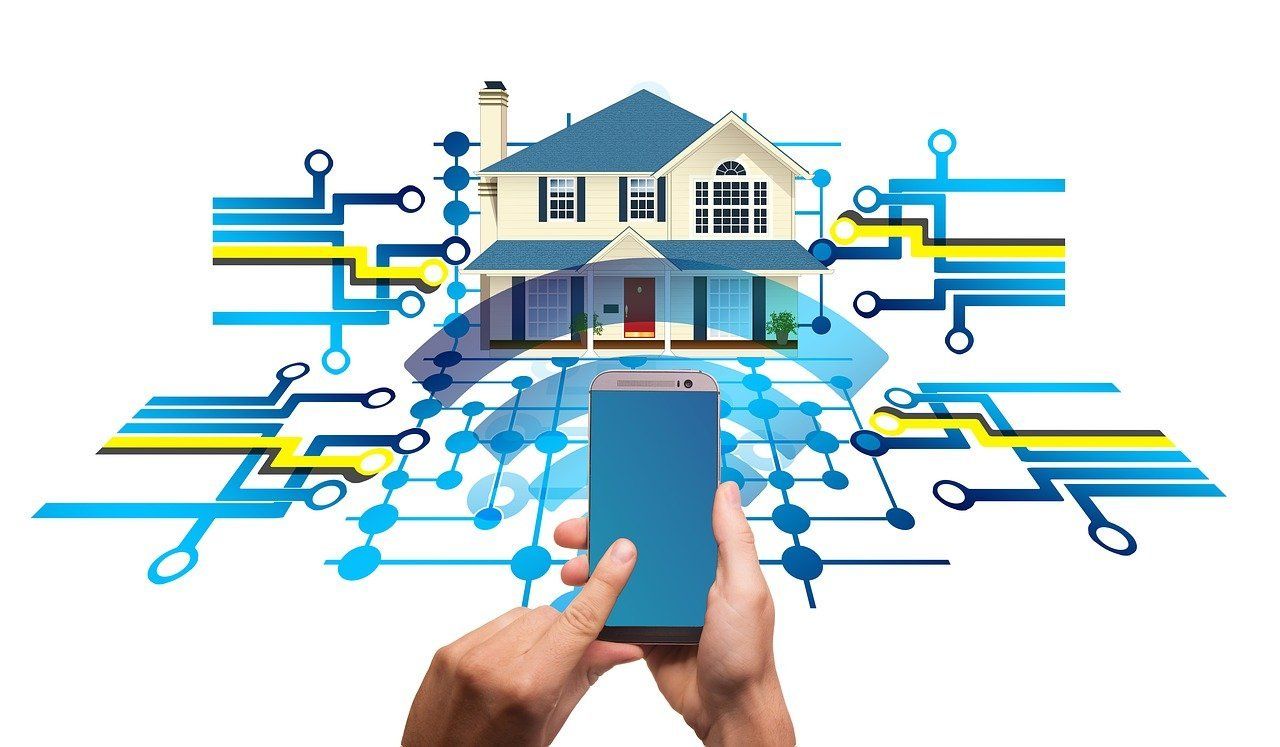
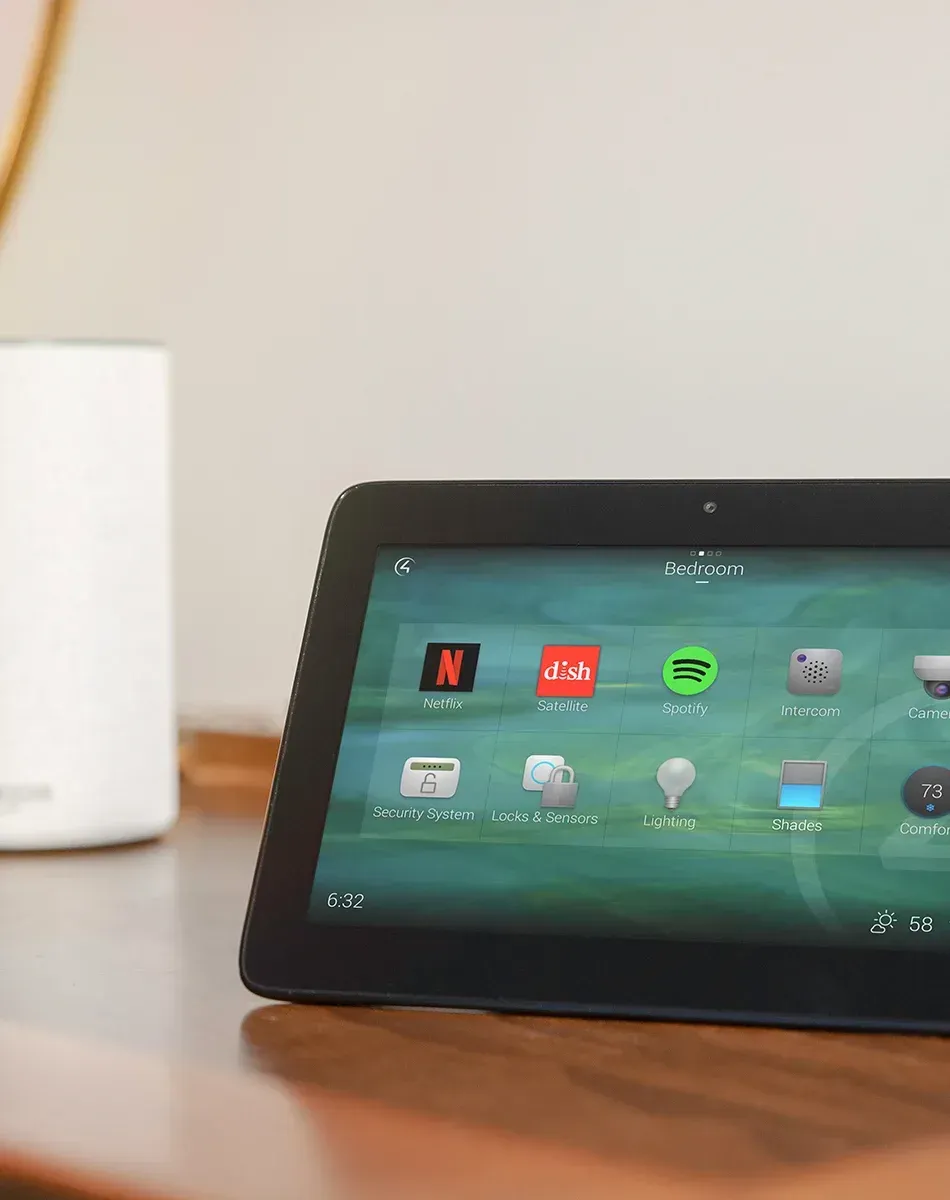
The features and benefits related to smart home technology are impressive, let's take a closer look at what's new and how it can improve your life and your home's value! Energy efficiency ranked at the top of important smart home features across the board, according to a 2020 realtor.com survey. Home automation gadgets allow homeowners to control their appliances through smartphone apps, allowing users many options to save energy. Lighting - Smart lighting includes any lights that can be controlled by a home's smart assistant or through the smart light's phone app. The apps allow users to setup timers, motion detectors and dimmers to change lighting at set times throughout the day. If you have kids, you have probably sang the song, "Every light in the house is on" as you walked through your home flipping switches. We are big fans of the sensor lights. Every closet and pantry should have one. When the door opens, the light comes on, when the door closes, the light goes off. Smart Thermostats - Heating, ventilation and air-conditioning systems account for 32% of the average home's electricity consumption. Installing smart thermostats allows you to set schedules and control your home's temperature when you are away. Smart Appliances - Smart refrigerators, dishwashers, ovens, and even sprinkler controllers. They can all help lower your energy consumption and the technology is improving every year. You can pre-heat an oven from your phone, turn on your dishwasher, and water your lawn. Smart appliances are the trend in 2021. With all of this innovative technology available, you must have a reliable network. 10 years ago, a wifi connection that allowed 10 devices to connect simultaneously, without interruption, was perfectly adequate. Now, you could have over 50 devices connected at one time. Your network is important, and needs to be capable of connecting to all of these smart home features. The 71 Concepts team will recommend the best products to power your home. Whether you are upgrading an older home or building a new one, we can help. Call us today for a consultation: 469-393-4757 info@71concepts.com